
This means
All interactive controls must be accessible using the keyboard. Users must be able to navigate to every clickable element, such as buttons, links, form fields, or user-defined components, using the tab key. In addition, a visible focus indicator must be present so that it is clear which element is currently active.
Impact
If controls cannot be focused, users who do not use a mouse cannot access or operate certain functions. Screen reader users also lose the logical navigation flow. Missing focus indicators lead to disorientation and violations of WCAG 2.1.1 (A) Keyboard and WCAG 2.4.7 (AA) Focus Visible.
Recommendation
- All interactive elements must be accessible via the keyboard (for example, through tabindex=“0”).
- Use native HTML elements such as button, a, input, or select, which are inherently focusable.
- Do not remove focus frames using CSS (outline: none;) – instead, customize them visually.
- For custom components, focus must be made explicitly controllable via tabindex or JavaScript.
Examples
Problematic:
<div onclick="submitForm()">Submit</div>
This element can be operated with the mouse, but cannot be accessed via the keyboard.
Better:
<div role="button" tabindex="0" onclick="submitForm()">Submit</div>
role=“button” and tabindex=“0” make the element accessible via keyboard.
Optimal:
<button type="submit">Submit</button>
The native button is automatically focusable, operable, and displays a visible focus frame by default.
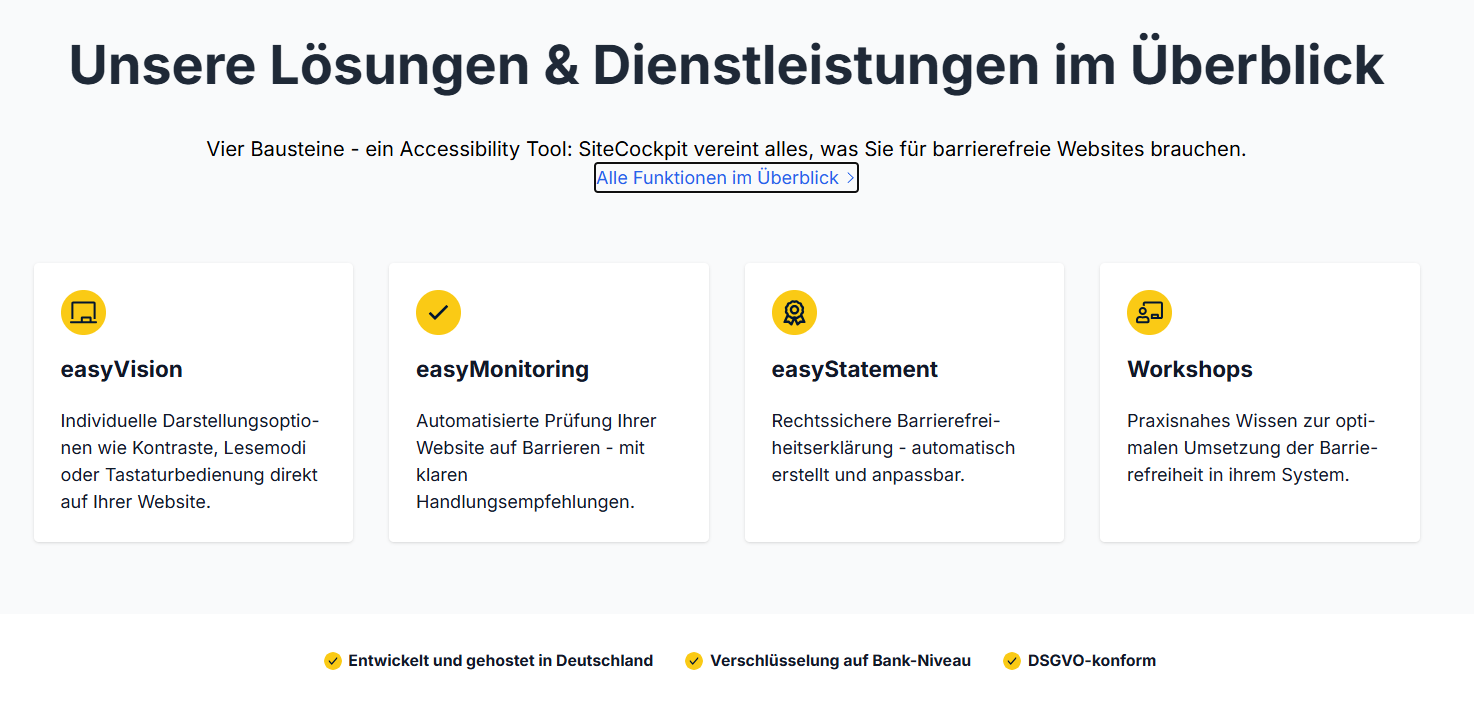
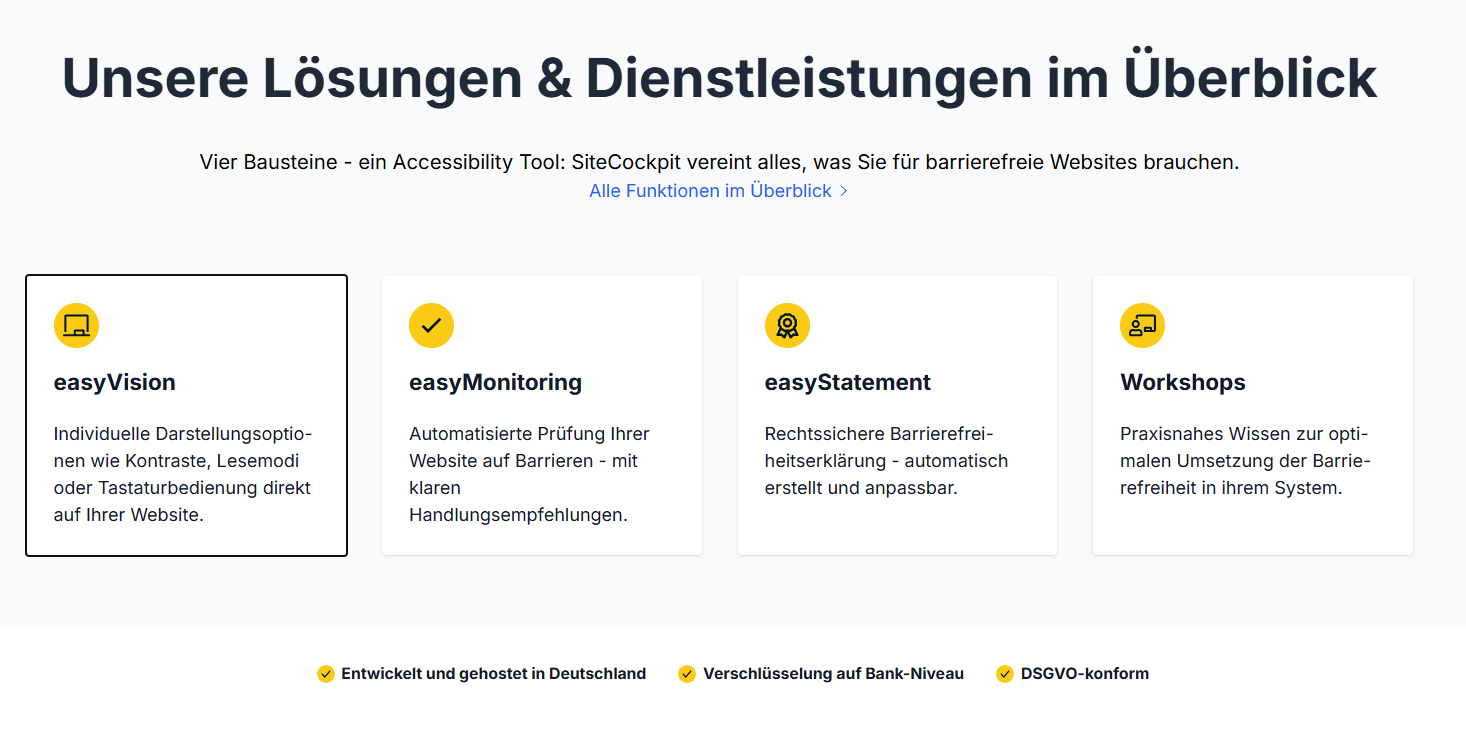
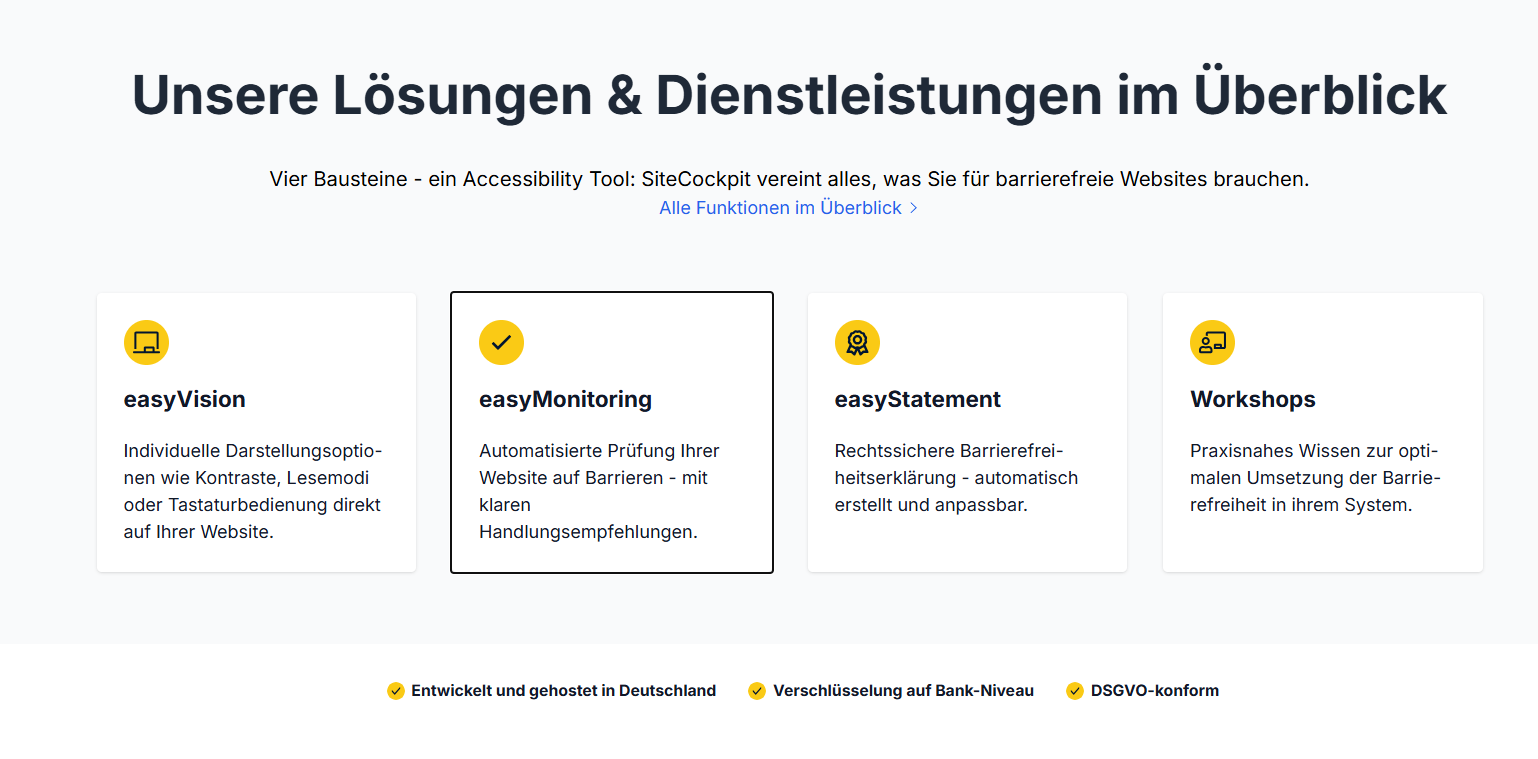
Ideally, your page should clearly show where you are when navigating with the “TAB” key:
Note
A visible focus indicator is a key feature of accessible navigation. Do not remove it, but design it to match the design – for many people, it is the only visible indication of their current position in the interface.
Related WCAG criterion:
WCAG 2.1.1 – Keyboard
WCAG 2.4.7 – Focus visible
To the official WCAG documentation →