
Using easyTranslate
-
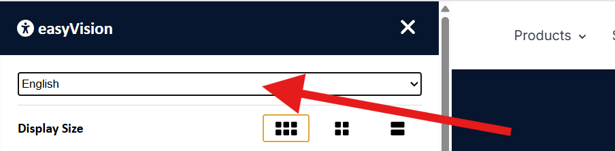
The translation of website content is carried out via the easyVision widget.
-
Content is translated live and dynamically into the selected language for website visitors.
-
The language settings of the easyVision widget are decisive for the translation.
-
The translated content is displayed directly through the widget; no additional code or manual modification of the website is required.
-
easyTranslate must be activated in the SiteCockpit backend in order to be used.
- easyTranslate can be used by clicking on the button that appears above the easyVision button.

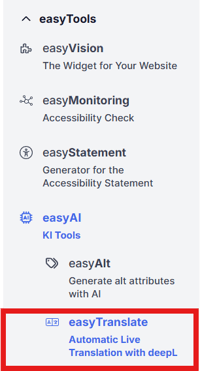
You can access easyAlt via the left side menu or via the tabs:

How it works
easyTranslate automatically detects text content on the website via the easyVision widget and translates it in real time. The European service provider DeepL is used for translation.
The following applies:
-
The translation is AI-based and performed live when the page is loaded.
-
Processing is carried out in compliance with the GDPR, taking European data protection standards into account.
-
Only the relevant text content of the website is used for translation.

Configuration
-
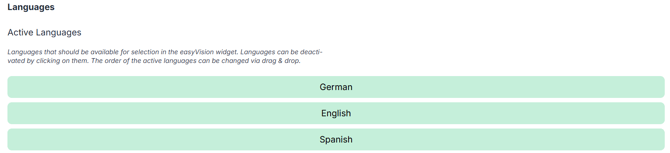
All language-related settings for easyTranslate are configured in the widget settings.
-
Changes to the language settings take effect immediately on the translations.
Credits
-
The translation of website content is based on a credit system.
-
Credits are deducted from the respective account for each translation.
-
Example:
-
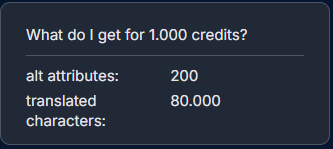
1,000 credits correspond to 80,000 translated characters.
-
Further information about our credit system can be found here.